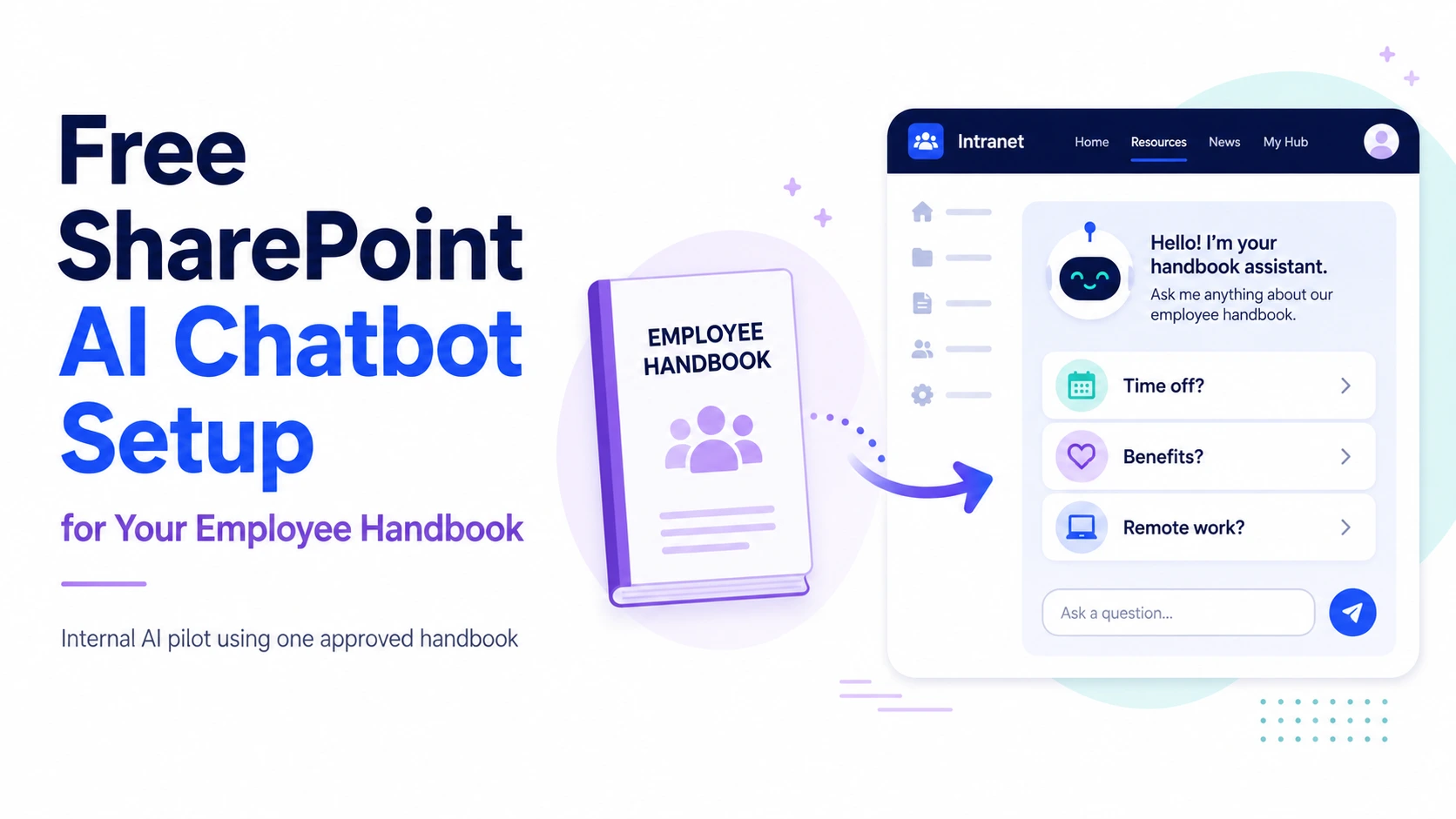
Pixeldust offers a free starter configuration that turns one approved employee handbook into an internal AI chatbot inside SharePoint.
Employees can ask routine workplace questions in plain language and receive answers based only on the handbook supplied by the organization.
The chatbot does not search the public internet, interpret employment law or make HR decisions. Its purpose is simple: make the approved employee handbook easier to use.
Microsoft licensing is not included.
Stop Making Employees Search Through the Handbook
Employee handbooks often contain important information about leave, benefits, workplace conduct, schedules, expenses, safety and internal procedures.
The problem is not usually that the information is missing. The problem is that employees must search through a long document to find one answer.
Instead, they often ask HR or interrupt a manager.
An employee handbook chatbot allows employees to ask questions such as:
- How do I request time off?
- When do benefits begin?
- What is the remote-work policy?
- Which holidays does the company observe?
- What is the expense reimbursement process?
- What does the handbook say about workplace conduct?
- Who should I contact when the handbook does not answer my question?
The chatbot retrieves relevant information from the approved handbook and, where supported, links back to the source.
What the Free Setup Includes
The free starter configuration includes:
- One current and approved employee handbook
- One read-only internal AI agent
- One SharePoint knowledge location
- Deployment on one SharePoint page
- Basic chatbot instructions
- Defined response boundaries
- Up to twenty test questions
- Basic answer testing and adjustment
- One 30-minute administrator handoff
The chatbot is configured to use the employee handbook as its only knowledge source.
No additional policies, procedures, forms, manuals or supporting documents are included in the free setup.
Why Use the Employee Handbook?
An employee handbook is a practical starting point for an internal AI chatbot because it is:
- Used by a broad employee audience
- Referenced repeatedly
- Usually already approved
- Limited enough to test safely
- Easy for employees to understand
- Relevant to onboarding and routine HR questions
Starting with one document also creates a controlled test.
The organization can evaluate whether conversational access improves how employees use approved information without connecting the chatbot to the entire SharePoint environment.
What the Chatbot Does
The chatbot is designed to:
- Answer routine questions from the employee handbook
- Summarize relevant handbook sections
- Direct employees to the applicable source
- Identify when the handbook does not contain an answer
- Avoid inventing policies or exceptions
- Refer employees to the appropriate person when human guidance is required
The chatbot is not designed to:
- Approve leave
- Interpret employment law
- Make disciplinary decisions
- Provide legal advice
- Override HR
- Change source documents
- Create new company policy
- Decide how a policy applies to a specific employee dispute
It provides access to approved information. It does not replace professional judgment.
What Is Not Included
The free setup is a limited technical configuration. It is not a full HR, SharePoint or knowledge-management project.
It does not include:
- More than one employee handbook
- Additional policy documents
- Handbook rewriting
- Legal review
- HR consulting
- Policy interpretation
- Document cleanup
- Conflict resolution
- SharePoint restructuring
- Permission remediation
- Custom integrations
- Approval workflows
- Microsoft licensing
- Employee training programs
- Ongoing support
- Ongoing maintenance
- Custom software development
If the handbook is outdated, incomplete or internally contradictory, those issues remain in the source material.
The chatbot can make the handbook easier to search. It cannot make inaccurate information accurate through optimism and electricity.
Organization Requirements
The free starter setup is intended for organizations that already have:
- An active Microsoft 365 environment
- An existing SharePoint site
- Appropriate Microsoft licensing
- One current employee handbook
- A handbook approved for employee use
- An authorized Microsoft 365 administrator
- An internal owner responsible for the handbook
- A defined internal employee audience
The organization must confirm that the handbook is current, accurate and suitable for use as an AI knowledge source.
How the Setup Works
1. Environment Review
The Microsoft 365 environment, SharePoint location and available licensing are reviewed to determine whether the setup is technically suitable.
2. Source Confirmation
The organization identifies the single approved employee handbook the chatbot is allowed to use.
3. SharePoint Configuration
The handbook is placed in or connected to an approved SharePoint knowledge location.
4. Agent Configuration
The internal AI agent is configured with instructions defining:
- Its employee audience
- Its permitted source
- Its read-only role
- The topics it may answer
- When it must identify uncertainty
- When it must direct the employee to HR or management
5. SharePoint Page Deployment
The chatbot is made available through one internal SharePoint page.
6. Testing
Up to twenty realistic employee questions are tested.
Testing may include:
- Questions the handbook answers clearly
- Questions with incomplete information
- Questions requiring human interpretation
- Questions outside the handbook
- Questions the chatbot should decline
- Questions that should be redirected to HR
7. Administrator Handoff
An authorized administrator receives a brief overview of the configuration, knowledge source and basic operating boundaries.
Security and Permissions
The chatbot remains inside the organization’s Microsoft environment.
The setup is designed around:
- Organizational authentication
- Existing SharePoint access controls
- One approved knowledge source
- Read-only behavior
- Limited retrieval boundaries
- Source links where supported
- Human escalation when necessary
The chatbot does not create a second permission system.
Employees must already have access to the SharePoint location containing the handbook.
Existing SharePoint permissions remain the organization’s responsibility. A permission-aware chatbot can respect configured access, but it cannot determine whether those permissions were designed correctly in the first place.
Source Quality Matters
An AI chatbot can only provide reliable answers when the source material is reliable.
Common handbook problems include:
- Outdated policies
- Missing effective dates
- Conflicting sections
- References to obsolete forms
- Undefined terms
- Missing escalation instructions
- Policies that depend on unwritten HR practices
- Information spread across separate documents
The free setup uses the handbook provided by the organization without rewriting or reconciling it.
When the source does not contain enough information, the chatbot should say so rather than manufacture an answer.
What the Pilot Can Reveal
Even a limited employee handbook chatbot can expose useful information about the organization’s knowledge.
The pilot may reveal:
- Questions employees ask repeatedly
- Policies that are difficult to understand
- Topics missing from the handbook
- Sections that produce inconsistent answers
- Information employees expect but cannot find
- Areas requiring HR clarification
- Opportunities to improve onboarding
- Demand for additional internal knowledge
In some cases, the technology works immediately.
In others, the pilot shows that the handbook needs cleanup before a broader AI system should be built.
Both outcomes are useful.
Possible Future Expansion
The free setup is limited to one employee handbook.
A broader internal knowledge system may later include:
- HR policies
- Employee onboarding materials
- Standard operating procedures
- Department procedures
- Forms and templates
- IT instructions
- Safety procedures
- Manager resources
- Benefits guidance
- Volunteer manuals
- Role-specific training
- Microsoft Teams access
- Role-based permissions
- Knowledge governance
- Content review workflows
- Institutional knowledge captured from experienced employees
These additions are outside the free starter configuration.
Frequently Asked Questions
Is the setup really free?
There is no consulting fee for the defined starter configuration. Microsoft licensing and any work outside the stated scope are not included.
How many documents are included?
One employee handbook only.
Additional policies, procedures, forms or supporting documents are not included.
Can several handbook files be combined?
No. The free setup uses one approved handbook as the single knowledge source.
Are Microsoft licenses included?
No. The organization must already have or purchase the Microsoft licensing required for the selected configuration.
Will Pixeldust rewrite the handbook?
No. The handbook is used as supplied.
Editing, legal review, restructuring and policy cleanup are separate services.
Can the chatbot interpret company policy?
It can retrieve and summarize the approved handbook language. It should not make legal, HR or management interpretations that are not stated in the source.
What happens when the handbook does not contain an answer?
The chatbot should identify that the information was not found and direct the employee to HR, management or another designated contact.
Can the chatbot approve requests?
No. The starter chatbot is read-only.
It does not approve leave, expenses, accommodations, disciplinary actions or any other employment decision.
Is the chatbot available to the public?
No. It is intended for internal employee use inside the organization’s Microsoft environment.
Can other documents be added later?
Yes, but expanding beyond the single employee handbook is outside the free starter configuration.
Does the chatbot replace HR?
No. It reduces routine document searching. HR remains responsible for policy ownership, interpretation, exceptions and employee-specific matters.
How long does setup take?
Timing depends on access, licensing, SharePoint readiness and the condition of the employee handbook. Complicated permissions or source problems may prevent the starter configuration from proceeding without additional work.